A register that keeps selling.
Operate Register runs the counter on a phone or tablet. The signal drops, the sale goes through, and the drawer adds up at close.
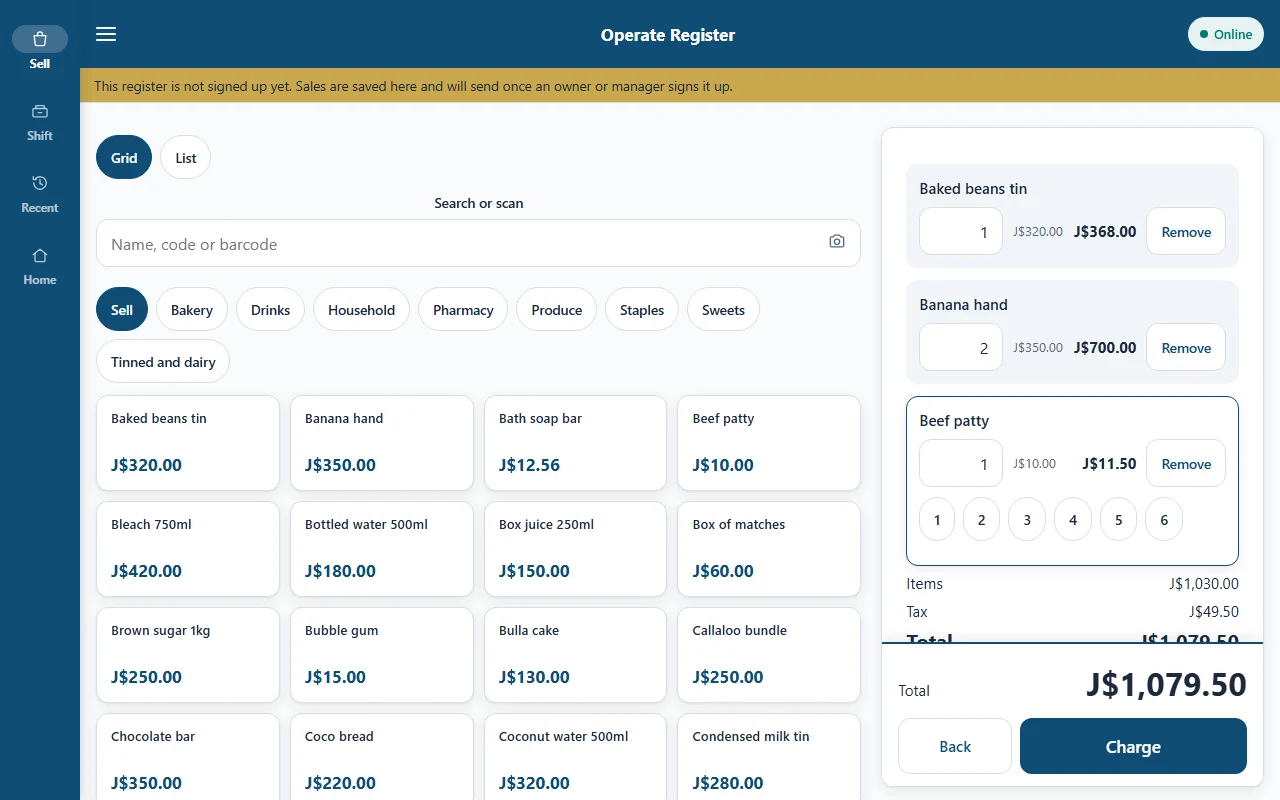
Its own app for the counter.
Operate Register is separate from the back office. Put it on a counter phone or tablet and leave it there, in kiosk style, so staff only ever see the register.
- Every cashier signs in with their own PIN, so every sale has a name on it.
- Roles decide what each person can do: Owner, Manager, Cashier and more.
- A cashier sees only what a cashier needs. Never profit, cost prices, payroll or settings.
- GCT shows on receipts only once your business is GCT registered.
Built for Android phones and tablets. iPhone is planned.
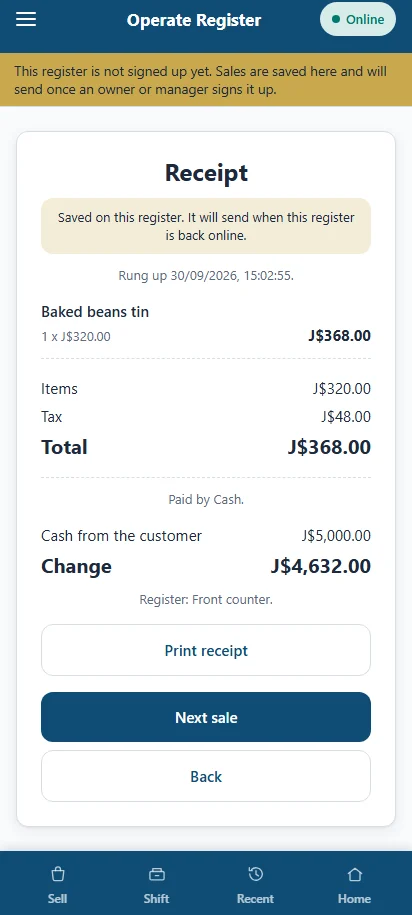
When the signal fails, the register doesn't.
Hurricane, power cut, a dead zone behind the counter. If the connection or a check fails, the register keeps selling. We call it the hurricane rule.
It shows a banner and carries on
You see that the register is offline. Selling doesn't stop and nobody has to ask permission.
It syncs when it can
Sales wait on the device and go up when the connection is back. A sale never expires while it waits.
Encrypted on the device
Waiting sales are stored encrypted, so a lost tablet doesn't hand over your sales.
The register works offline, and so does the rest of Operate. Everything syncs when the connection is back.
Built for a queue.
Search or tap
Type a name, tap a category chip, or use quick keys for the things you sell all day.
Scan with the camera
Use the phone camera, or plug in a barcode scanner. Both add the item to the basket.
Open price
For the item with no tag, key the price in. It is recorded on the sale like any other.
Age check for alcohol
Alcohol items ask for an age check before the sale can go ahead.
Park a sale
Set a basket aside when the customer goes back for something, serve the next person, then bring it back.
Discounts
Take money off a line or the whole sale. The discount shows on the receipt and in the records.
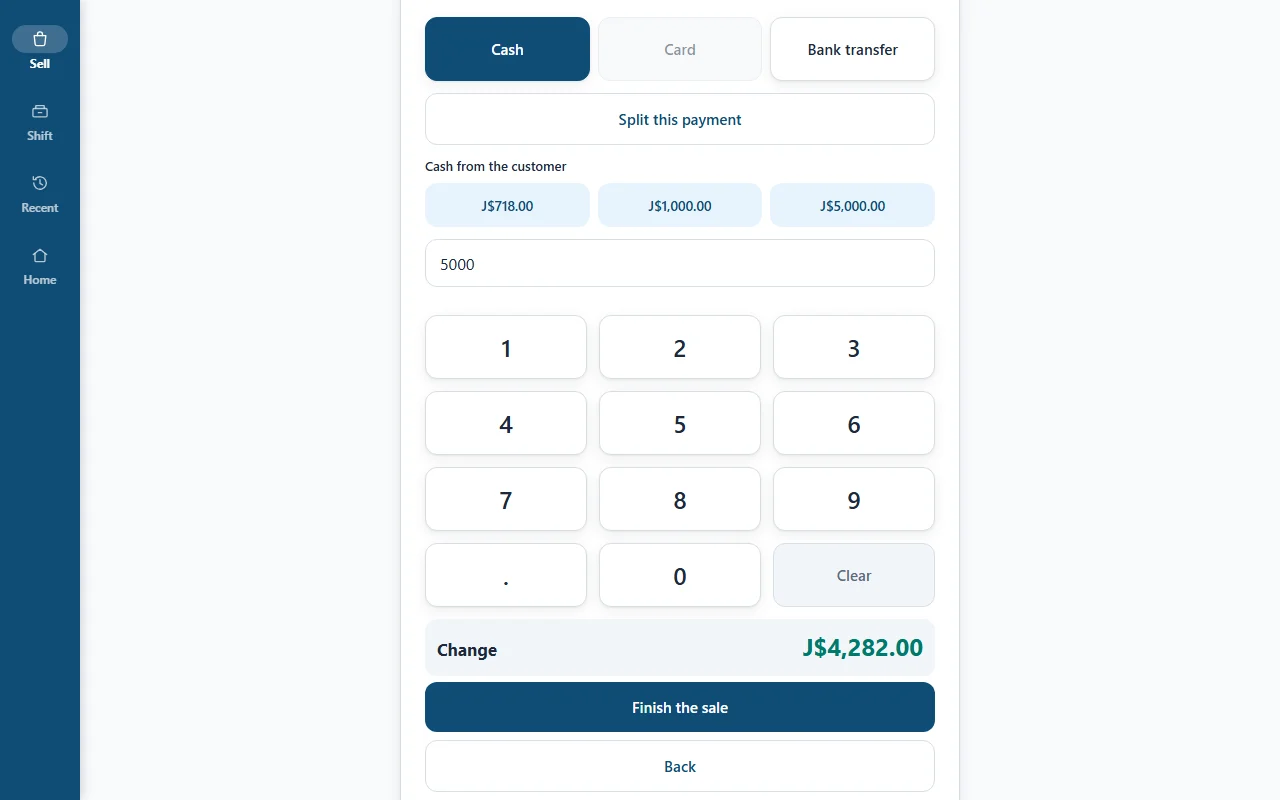
Payments are recorded, not processed.
Operate Register writes down how the customer paid. The money moves the way it always did: in your drawer, on your card machine, in your bank.
- Split one sale across several payment types.
- Cash is rounded to the dollar, shown on its own line so it is never hidden.
- On account sales never count in the cash drawer.
Receipts
- Print on a Bluetooth 80mm printer.
- Prepare it for WhatsApp. You tap Open in WhatsApp and send it.
- Email it to the customer.
- Print a gift receipt with no prices.
Count the drawer. See what's short.
Each shift starts with a float and ends with a count. The register hides what it expects until you have counted, so the count is honest.
- Opening float, paid in, paid out and cash drops are all written down with the cashier's name.
- Blind close: the expected amount stays hidden until the cashier has counted.
- Over or short is worked out for you and kept on the record.
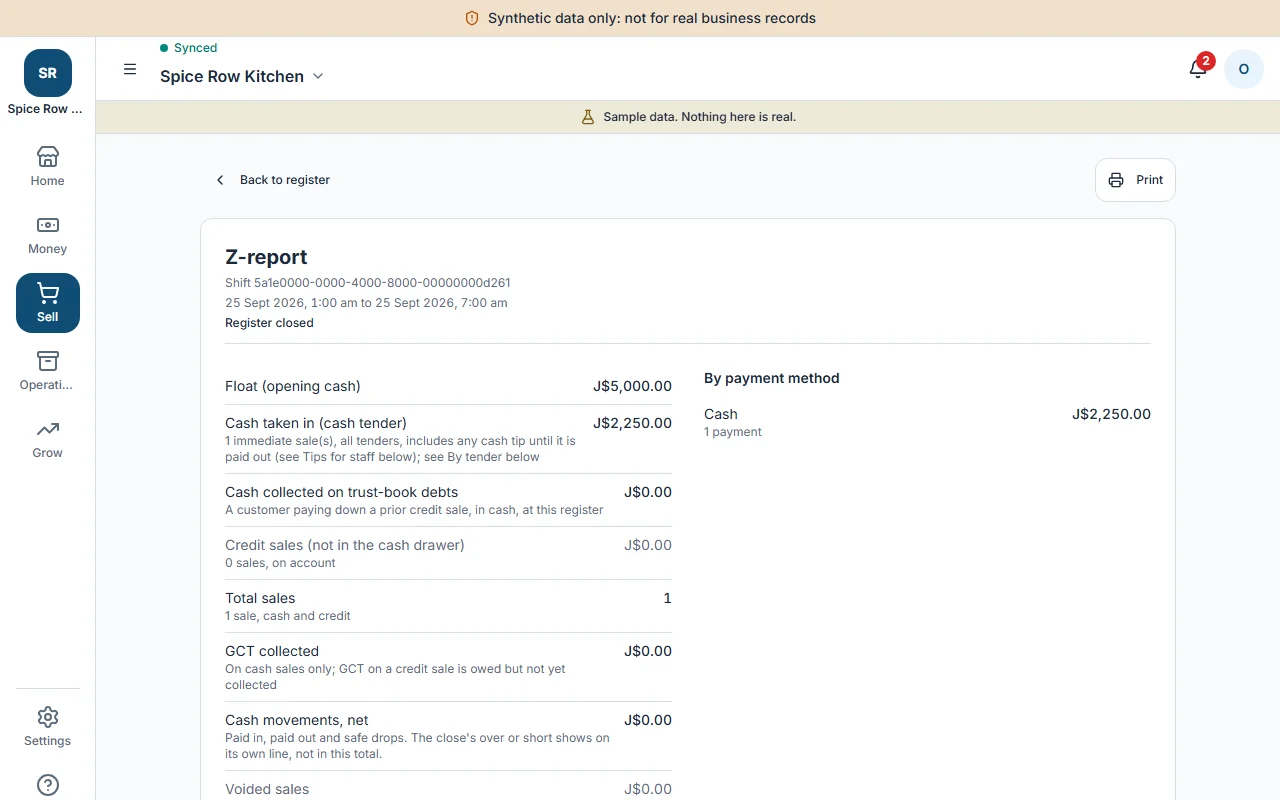
- The Z-report is final. Once the shift closes, nobody can edit it.
Z-report
Example, fictional figures
Card sales J$21,400.00 and on account sales J$6,200.00 are listed on the report but are not cash, so they are not in the drawer.
Refunds and voids leave a trail.
Nothing disappears. Every refund and void asks for a reason, asks you to confirm, and stays visible in the records.
Find
Open the original sale and choose the lines to refund, or void the whole sale.
Explain
Pick a reason. The register won't go on without one.
Confirm
A clear confirm step, so a stray tap can't reverse a sale.
Pay back
The refund goes back to the original tender. If the sale was on account, it comes off the customer's balance.
For restaurants and cook shops.
Tables, a kitchen board and tickets come with the register. Orders go from the counter to the stations that make them.
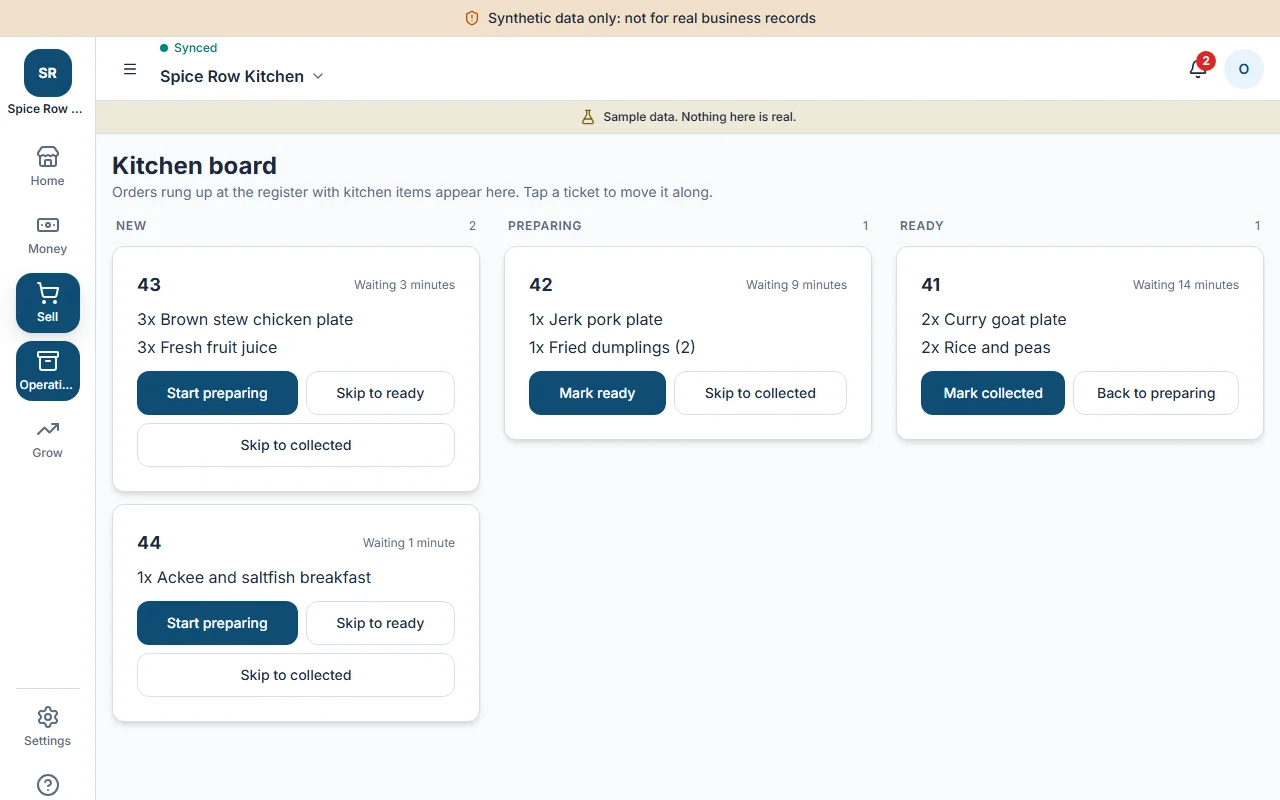
The kitchen board, by station.
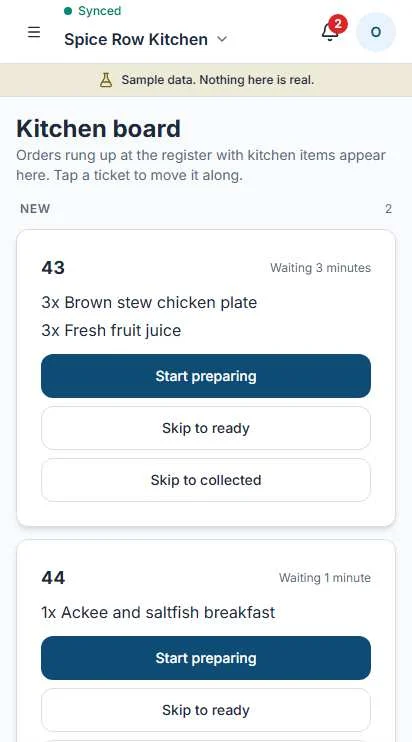
The same tickets on a phone.
- Open a table, add items, send the ticket to the kitchen.
- Stations such as grill, fryer or bar each see only their own tickets.
- Mark a ticket ready and the counter knows.