Features
Sell Money Stock People and payroll Compliance Customers and online Grow Everything in Operate
Operate
Industries How it works Why it's free For partners Help and questions Get early access

Run your whole business from one free app.

  • On your phone
  • Works offline
  • Built for Jamaica

Register, stock, invoices, books, payroll and filings, all in one place, with nothing to pay.
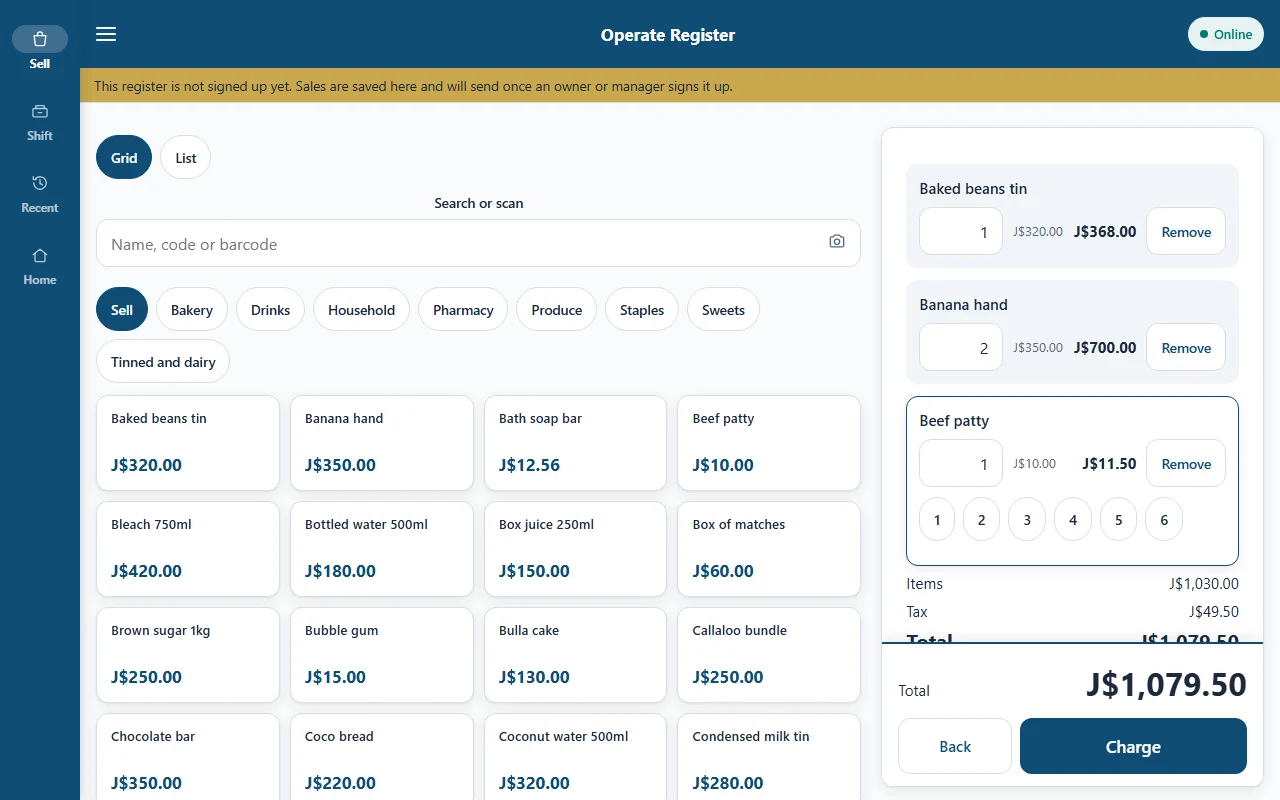
Operate Register on a tablet: a basket of cook shop items with prices in Jamaican dollars and a Take payment button.
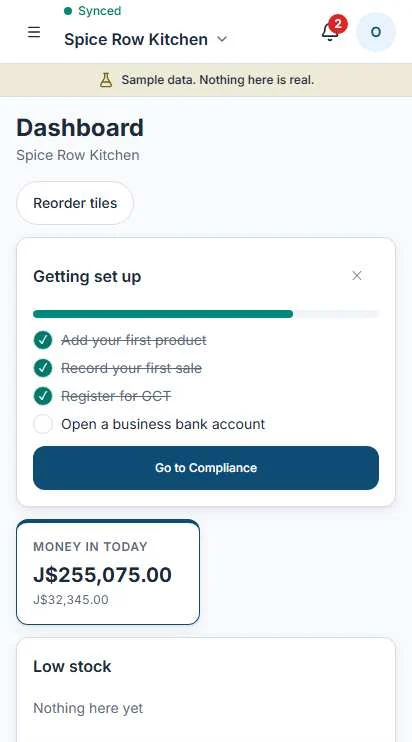
The Operate dashboard on a phone, showing today's sales, cash and what is coming up.

Set up for the work you do.

Pick a business. This is the home screen it starts with.

    Every industry is a profile. Move, remove or add tiles any time.

    A day at the counter.

    Open the drawer

    Count the float before the first customer. The shift starts from that number.

    The flour arrives

    Receive the purchase order. Stock goes up and the bill is recorded.
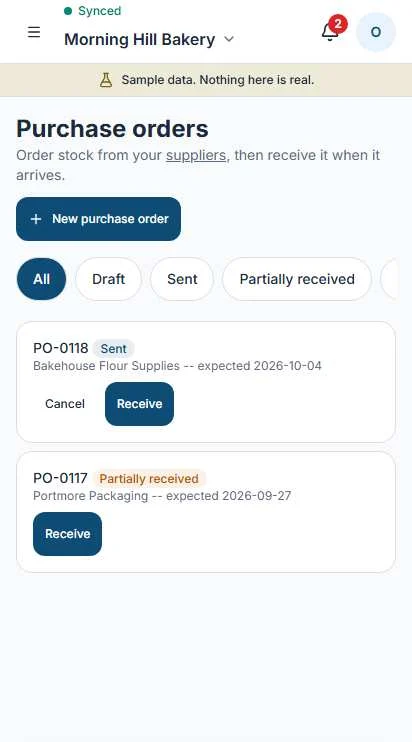
    A purchase order being received in Operate, with quantities and supplier.

    Signal drops in the lunch rush

    The register keeps selling and syncs later, when the connection is back.

    The register on a tablet with a basket mid-sale.

    Invoice the catering job

    Operate prepares the invoice and the message. You send it on WhatsApp yourself.
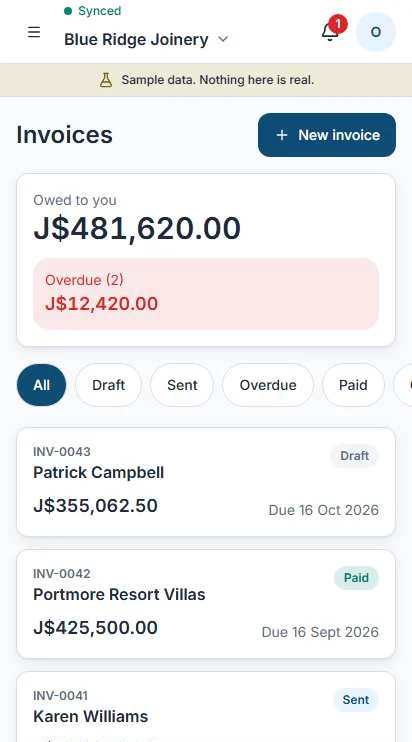
    The invoicing screen in Operate listing invoices and their status.

    Friday pay run

    PAYE, NIS, NHT and Education Tax are worked out. You check and confirm.
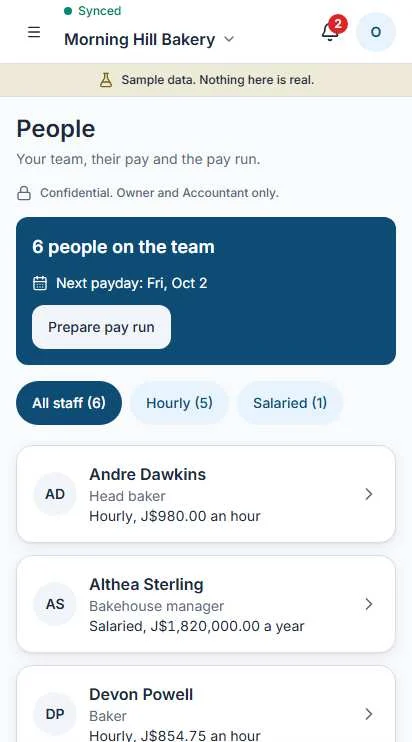
    The people screen in Operate showing staff and the next pay run.

    Close the shift

    Blind count, over or short, then the Z-report.
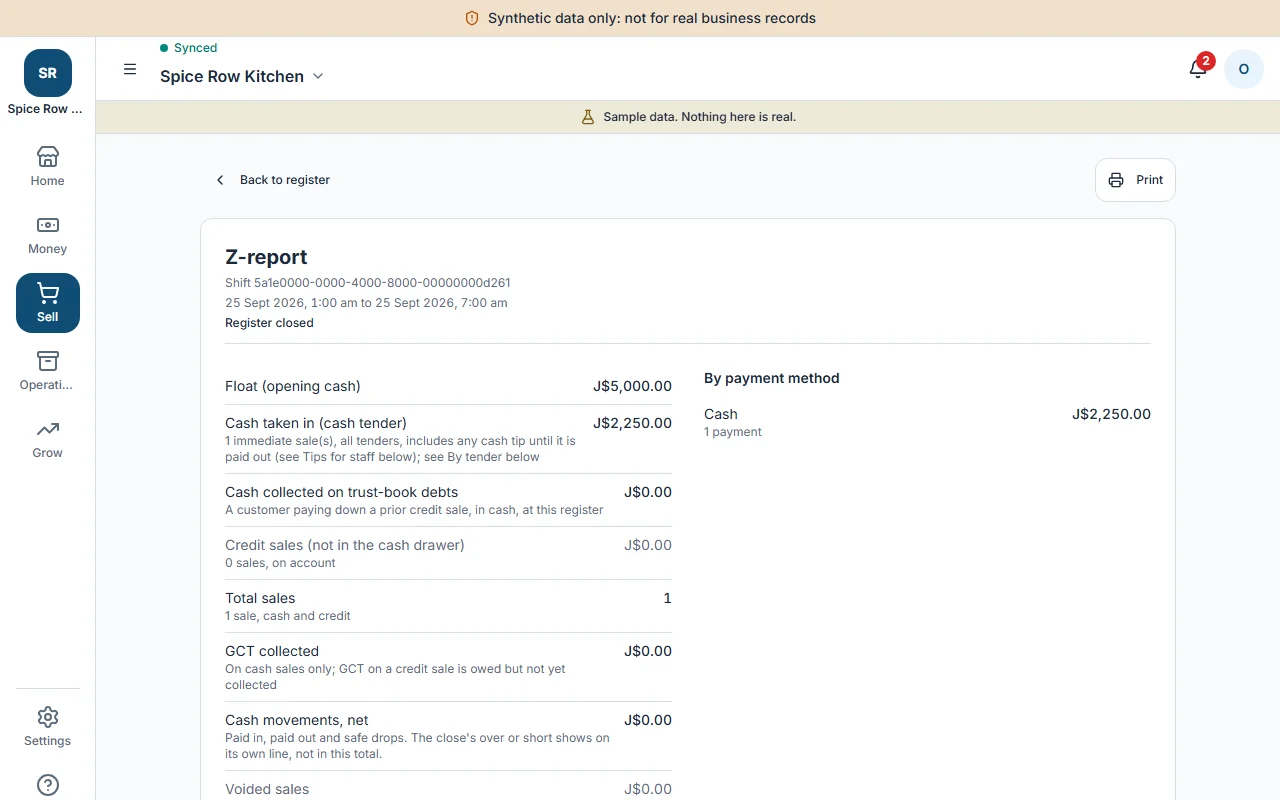
    A Z-report on a tablet with totals by payment type and the cash count.

    GCT figures ready

    Operate prepares the figures. You file with TAJ and mark it filed.
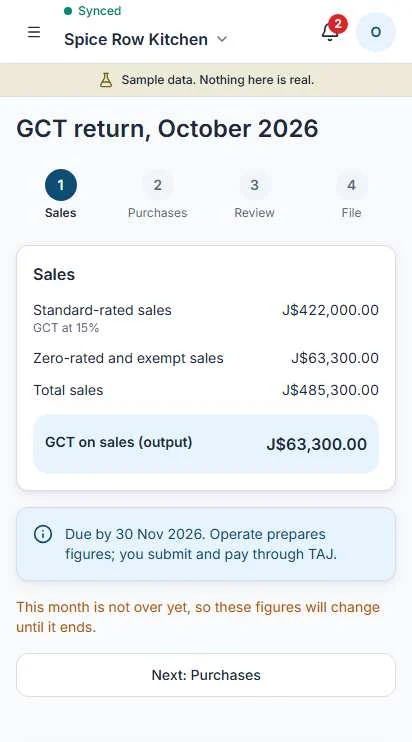
    The GCT screen in Operate with figures prepared for the return.

    Try the register.

    Add a few items, switch GCT on, take cash. Then turn on Signal gone and complete another sale.

    Sale

    SubtotalJ$0.00
    TotalJ$0.00

    A working sketch of the register. The real one does shifts, splits, returns, voids and printing.

    It grows when you do.

    1. Informal

      Start selling today.

      SellSimple stockCustomersTrust book
    2. Registered with a TRN

      You have a tax number.

      ExpensesBasic booksCompliance deadlines
    3. GCT registered

      You charge GCT.

      GCT on sales and invoicesGCT return prep
    4. Growing

      You have staff and bigger jobs.

      PayrollJobsAssetsExport readinessMulti-location, coming next
    Nothing is ever behind a paywall. Screens appear as your business formalizes.
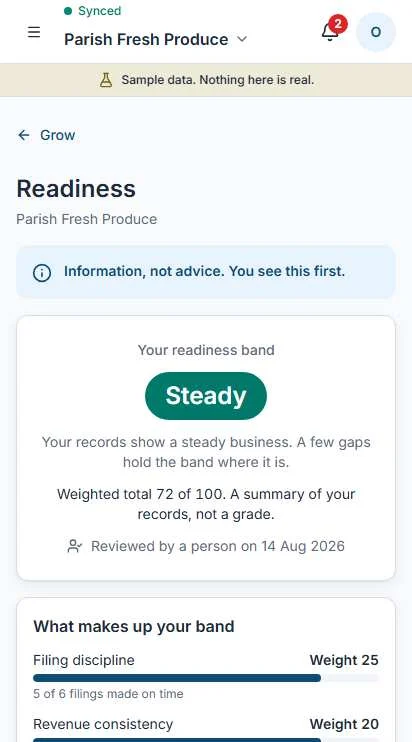
    The Grow readiness screen in Operate showing a readiness band and what to do next.

    Grow

    Your records become your evidence.

    • A readiness band, with what to do next. Information, not advice.
    • Grants you may be ready for, each with a last-checked date.
    • Export readiness, from E0 to E4.
    With your sharing switch on, you may be seen on 1877 Capital's diaspora platform. It is information and matchmaking only, and 1877 Capital never holds money. Off by default.
    See how Grow works

    What Operate will never do.

    Software that keeps your records should be plain about its limits.

    • Hold or move your money.
    • Lend you money.
    • File with TAJ for you.
    • Send a WhatsApp message without you.
    • Show a cashier your profit or payroll.
    • Share your records unless you switch sharing on.
    • Delete a document. They are retired, with a reason.

    Free for small businesses. Early access is opening.

    Tell us about your business and we will be in touch when your place is ready.